DOWNLOAD · DESKTOP APP
StudiOS, on your desktop.
What a browser tab can’t do.
The app opens the same StudiOS you use in the browser, always on its latest version, and adds what a tab cannot do: uploads that keep going with the window closed, watched folders, your storage in Finder and a place in the menu bar.
On your phone?macOSmacOS 13+ · Apple silicon and Intel
WindowsWindows 10 and 11 · 64-bitCOMING SOON
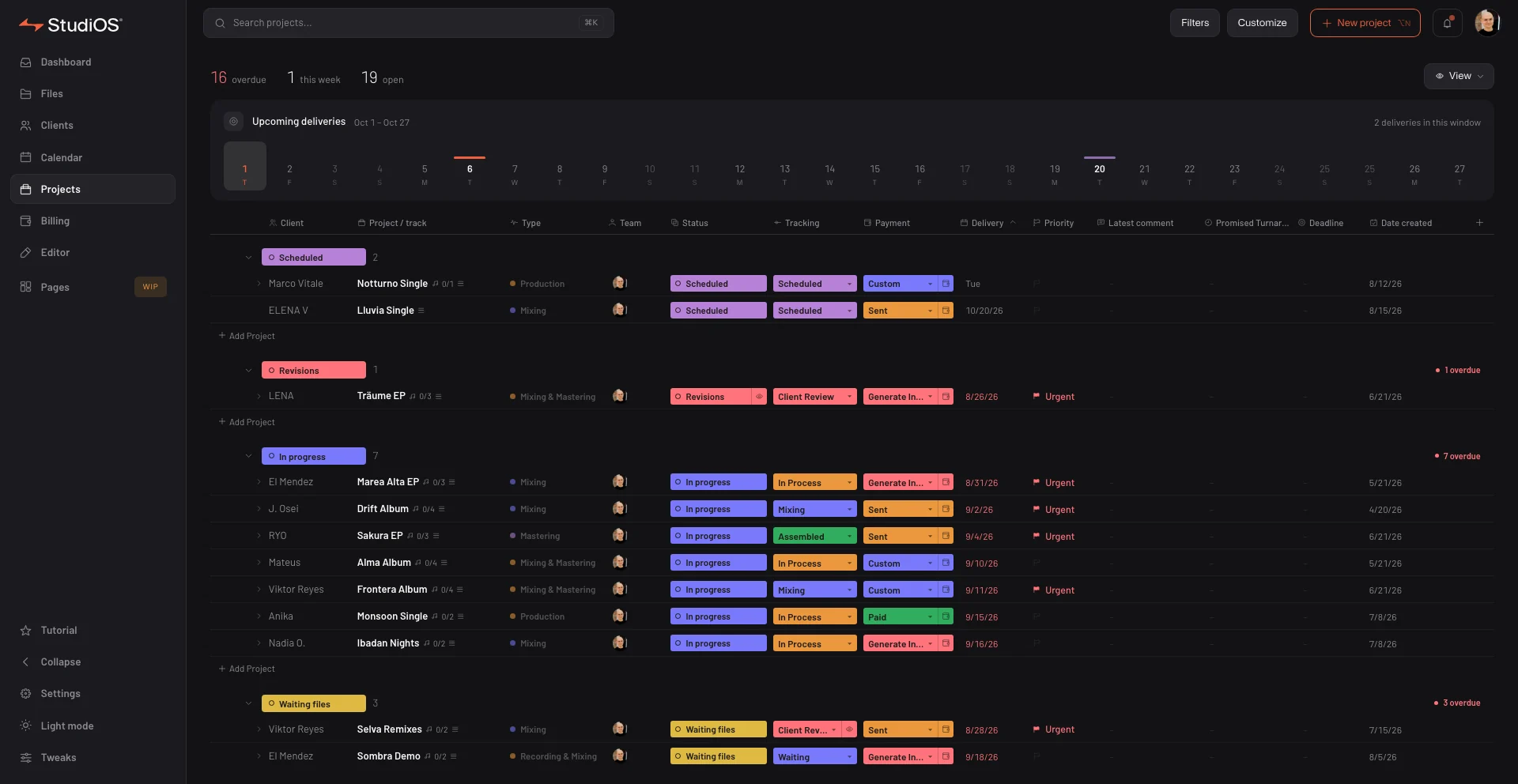
THE APP WINDOW · DATA FROM A DEMO STUDIO
WHAT THE APP ADDS
The same StudiOS, with a way into your computer.
Nothing new to learn: it is your account, your projects and your stores, in a window that can also reach your folders.
01
Always up to date
The window loads StudiOS live: every improvement arrives on its own, with nothing to reinstall, and it never reloads in the middle of an upload. The app itself updates on its own too.
02
Uploads that don’t stop
A transfer queue that uploads straight to your storage and keeps going with the window closed. Restart the computer and it picks up where it left off.
03
Watched folders
Pair your DAW’s export folder with a store folder: every bounce uploads on its own, once it has finished being written.
04
Your storage in Finder
StudiOS Cloud, Dropbox and Google Drive show up in Finder as just another folder. Files download when you open them.
05
Drag from the desktop
Drop files or whole folders onto the Files section and they upload to the folder you have open.
06
In the menu bar
Transfers, watched folders and the drive, one click away. If you like, it opens by itself when you log in to your computer.
The window is StudiOS as it is, on any plan. Uploads from your computer, watched folders and the drive are part of the Pro and Studio plans.
ON YOUR PHONE
And in your pocket.
StudiOS for iPhone, iPad and Android is on its way. Meanwhile, add the website to your home screen: it opens like an app.
Coming soon onApp StoreComing soon onGoogle Play
MACOS 13+ · APPLE SILICON AND INTEL · UPDATES ITSELF