Your DAW on your phone.
Lossless.
Aux streams your DAW session to a phone, live and lossless. To yours, to hear how the mix translates on earbuds or in the car without bouncing a thing — or to the artist’s, whether they are sitting behind you or a thousand kilometres away. Open the link and it plays: 32-bit float, no codec, nothing to install.
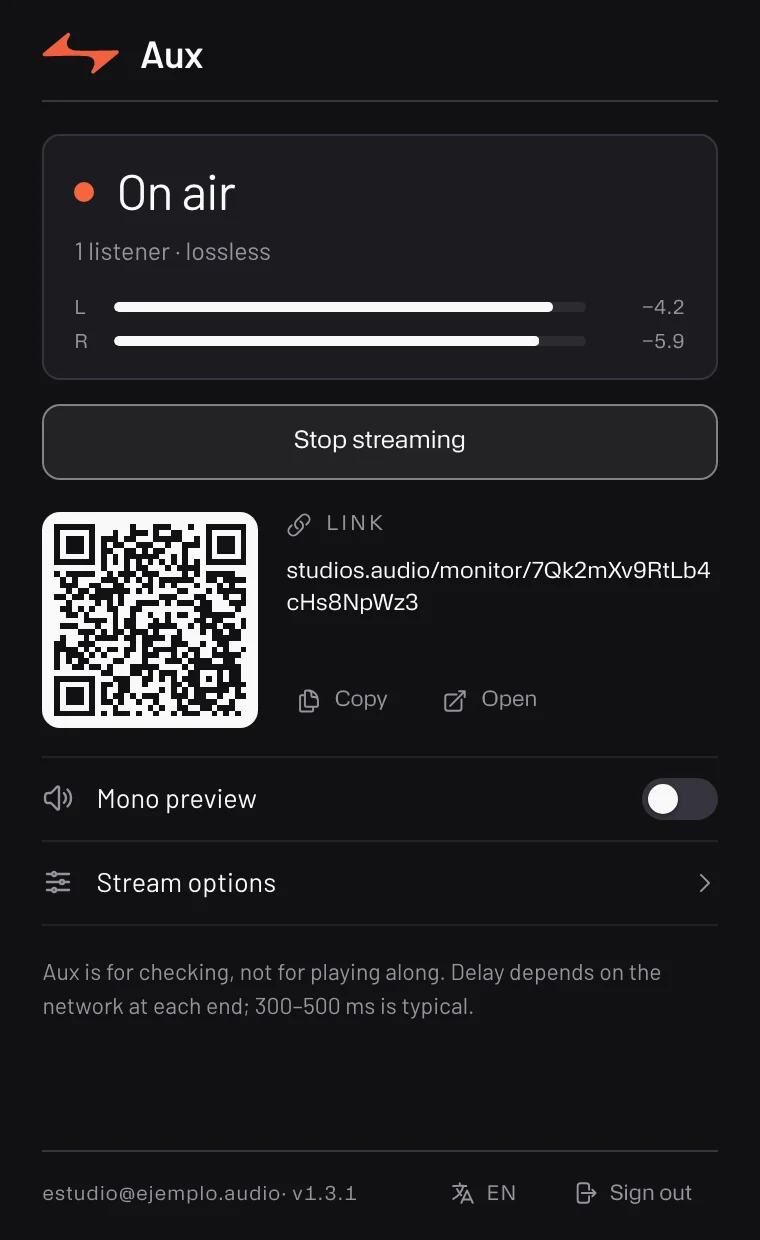
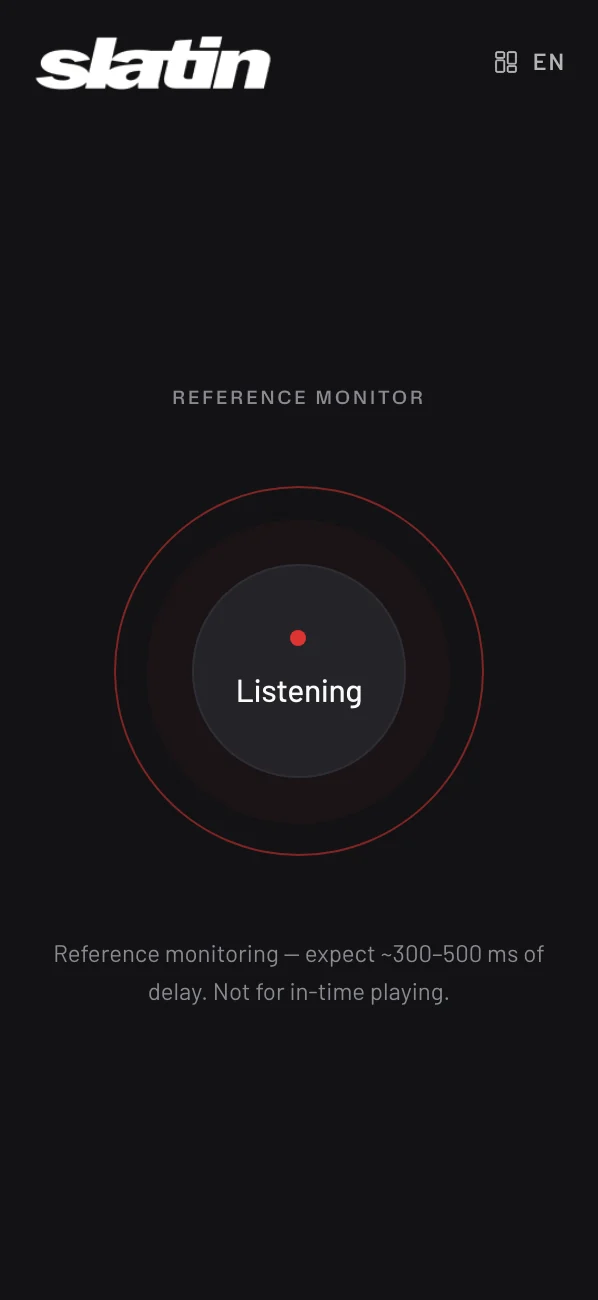
Lossless, not “good enough”. What leaves your bus is the session’s own samples, 32-bit float, with no codec in between — what your monitors are playing, not an MP3 of it. If the connection can’t keep up it drops to Opus without a gap and climbs back as soon as it can; the plugin shows which one the phone is playing.
From the session to the pocket.
The audio goes straight from your computer to the phone. StudiOS only introduces the two ends, then steps aside.
Aux is for checking, not for playing along. It is there so you — or the artist — can hear how the mix translates on earbuds, in the car, on the living-room speaker. It is not for cutting a take against, and the page says so before anyone tries.
The sender goes on whichever bus you want to hear — or, as a standalone app, on your interface’s input. Sign in with a code from your StudiOS account, press start, then open the link or send it.
With Studio, or on its own.
Hear it where it will be heard.
Install the sender, sign in with a code from your StudiOS account and open the link on your phone — or send it.
macOS 13 or newer, Apple Silicon and Intel.
macOS 13+WindowsCOMING SOON
VST3 · AU · STANDALONE APP · REQUIRES A STUDIOS ACCOUNT